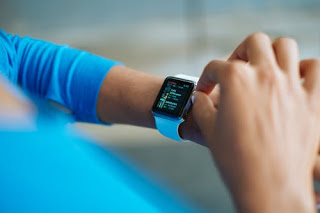
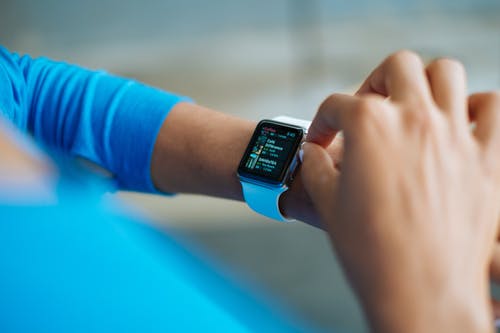
In addition to being an excellent way to read messages from your iPhone on your wrist, the Apple Watch is above all a way to raise your sporting performance to a higher level. This is how you make the Apple Watch your best sports buddy.
Apple Watch and sports performance
With an Apple Watch on your wrist, you can in many cases leave your iPhone at home when you exercise. The smart clock makes it possible to listen to music with a wireless headset, while your heart rate and sports performance are accurately monitored.
Here we provide three practical tips for using the Apple Watch while exercising.
❶ Listen to music without an iPhone in your pocket
Setting a better time, keeping it up for longer in the gym or posting the best training results: music can play an indispensable role in all these situations. The right motivational playlist does wonders for your sports performance. Leave the iPhone 8 at home and put some music on your Apple Watch.
→ Create a playlist on your iPhone in the Music app
→ Connect the Apple Watch to the charger and ensure that it is being charged;
→ On the iPhone, go to the Watch app;
→ In the “My Watch” tab choose “Music”;
→ Tap “Synchronized Music”;
→ You will now see the playlist that you have created, tap it to sync;
You can see the progress of the linking in this app, use the Watch only after the synchronization is complete.
Then you pair a Bluetooth headset with the watch via the Settings app, and you can start your workout. All you have to do now is open the Music app, press the screen firmly and select the Apple Watch under “Source”. Handy to know: the music will continue to play as you open and use other apps.
❷ Use the right app for the right sport
The Apple Watch comes in handy for almost all sports, because it largely depends on the app you use to record your performance. Fortunately, Apple installed the Workout app on every Apple Watch as standard. This is full of different sport types, from running to strength training, swimming, rowing, and cycling.
This Workout app is a great starting point if you are just starting to use your Apple Watch. The app accurately stores your data, is easy to operate and automatically links all your data to the Health and Activity app on all iPhones, such as the iPhone X. If you later seem to need more extensive sport functions, you can always switch to a Watch app that focuses on one sport.
❸ Be aware of exercise even after exercise
Healthy living naturally does not stop if you pull the laces off your sneaker. The Apple Watch is ideally suited to monitor your activity every day. This works automatically via the Activity app with three colored rings. With this, you can see at a glance whether you get enough exercise and active exercise and whether you stand often enough per day.
Apple has also added some nice extras to this app to motivate you extra. For example, you can add friends with an Apple Watch to the app, so that you can compare each other’s performance and send a motivating message if someone achieves his or her goal. The Activity app also distributes digital medals when you reach a new record, for example, if you fill the three rings most days in a row.
Read also: Top 10 tips to stimulate your metabolism
 I Weight Loss Expert